


A web crawler is a program that visits pages, reads them and follows their links to find more, for search engines, AI and SEO tools.
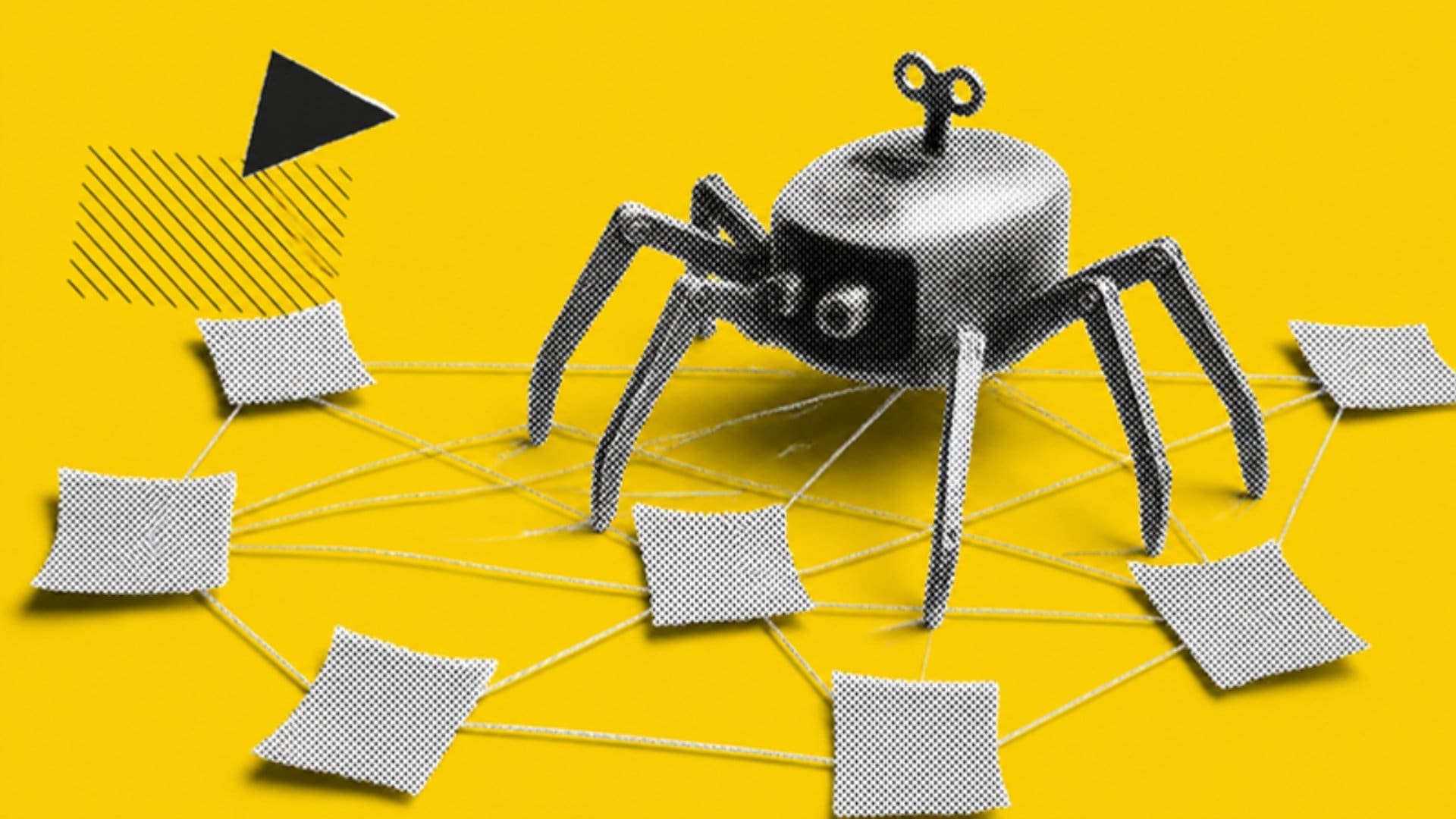
A web crawler is a program that automatically visits web pages, reads them and follows their links to find more pages. Search engines use crawlers to discover content for their indexes, and AI companies, SEO tools and archives run their own crawlers for similar reasons.
You’ll also hear crawlers called spiders or bots. They’re the reason a new page can appear in search results without anyone submitting it: a crawler found a link to it, fetched it and passed it on to be processed.
For anyone running a website, crawlers matter because you can’t rank for a page they can’t reach. Most indexing problems start with something stopping a crawler, or wasting its time on pages that don’t matter.
How a web crawler works
Every crawler follows the same basic loop: fetch a page, pull out its links, add the new ones to a queue, and repeat.
- Start from known URLs. The crawler begins with a list of addresses it already knows, from earlier crawls, XML sitemaps and links on other sites.
- Check the rules. A well-behaved crawler reads the site’s robots.txt file first to see which paths it’s allowed to fetch.
- Fetch the page. It requests the URL, just as a browser would, and records the response code, the HTML and the headers.
- Render where needed. Some crawlers, including the major search engines, also run the page’s JavaScript to see content that only appears after it loads.
- Extract the links. Every link on the page becomes a candidate for the queue.
- Prioritise and repeat. The crawler decides what to fetch next based on how important and how often updated each URL seems, and how fast the server can cope.
Crawling is only the first step. A search engine still has to decide whether to index what it found, which is why a page can be crawled and still not appear in results. Our guide to indexability covers that second step.
Types of web crawlers
Most crawlers that visit your site fall into four groups, each with a different purpose:
| Type | Examples | What it does |
|---|---|---|
| Search engine crawlers | Googlebot, Bingbot | Find and refresh pages for search indexes |
| AI crawlers | GPTBot, ClaudeBot, PerplexityBot | Gather content for training AI models or answering questions in AI search |
| SEO tool crawlers | AhrefsBot, Screaming Frog | Map links and audit sites for SEO tools |
| Archive crawlers | Common Crawl, Internet Archive | Keep public copies of the web for research and history |
Each one identifies itself with a user agent name in its requests. Some companies run several crawlers for different jobs. OpenAI, for example, uses separate user agents for training data and for its search features, so you can treat them differently in robots.txt.
How to control which crawlers visit your site
Robots.txt is the main way to tell crawlers what they can and can’t fetch. You can block a whole crawler by naming its user agent, or keep all crawlers out of specific folders. Our guide to robots.txt explains the syntax.
Keep three things in mind:
- Robots.txt is a request, not a lock. Reputable crawlers follow it. Scrapers and malicious bots often ignore it, so anything private needs a password or server-level block.
- Blocking crawling isn’t the same as blocking indexing. A page blocked in robots.txt can still be indexed if other pages link to it. Use a noindex tag, on a page crawlers can reach, to keep it out of results.
- Anyone can fake a user agent. To confirm a visit really came from Google or Bing, check the IP address with a reverse DNS lookup or against the IP ranges they publish.
Whether to block AI crawlers is a business decision. Blocking them can keep your content out of training data, but blocking the ones that power AI search can also keep you out of the answers. Our AI SEO team can help you weigh that up for your site.
How to make your site easy to crawl
A crawlable site gives crawlers a clear path to every important page and very few dead ends. The basics:
- Link to every important page from at least one other page, using normal HTML links.
- Keep an up-to-date XML sitemap and reference it in robots.txt.
- Fix broken links and long redirect chains.
- Keep server response times fast, because crawlers slow down when a server struggles.
- Stop crawlers wasting time on endless filter combinations, internal search results and duplicate URLs.
The easiest way to check all of this is to crawl the site yourself with a tool that behaves like a search engine. Our guide on how to do a site crawl walks through it, and log file analysis shows you what real crawlers actually requested. If you’d like a second pair of eyes, our technical SEO team can review it with you in a free strategy session.
Related reading: our guides to technical SEO and JavaScript SEO.
Common questions
Is a web crawler the same as a spider or a bot?
Yes. Crawler, spider and bot are used for the same thing: a program that fetches web pages automatically and follows their links.
Is web crawling the same as web scraping?
Not quite. Crawling is about finding and fetching pages, usually across many sites. Scraping is about pulling specific data out of pages. Many tools do both.
Can I block AI crawlers without blocking Google?
Yes. Each crawler has its own user agent, so you can disallow AI crawlers by name in robots.txt while still allowing Googlebot and Bingbot.
How often do crawlers visit my site?
It varies by site. Search engines crawl popular, frequently updated pages more often, and slow down if your server responds slowly. Log files show exactly when each crawler visited.



